Everything in the designer
A tour of what PoolPlanner draws, in the order you'll actually touch it — the 3D editor, the pool itself, its surfaces, the extras that finish it, the garden around it, and the realistic renders a photograph of your own design becomes.
Try it here
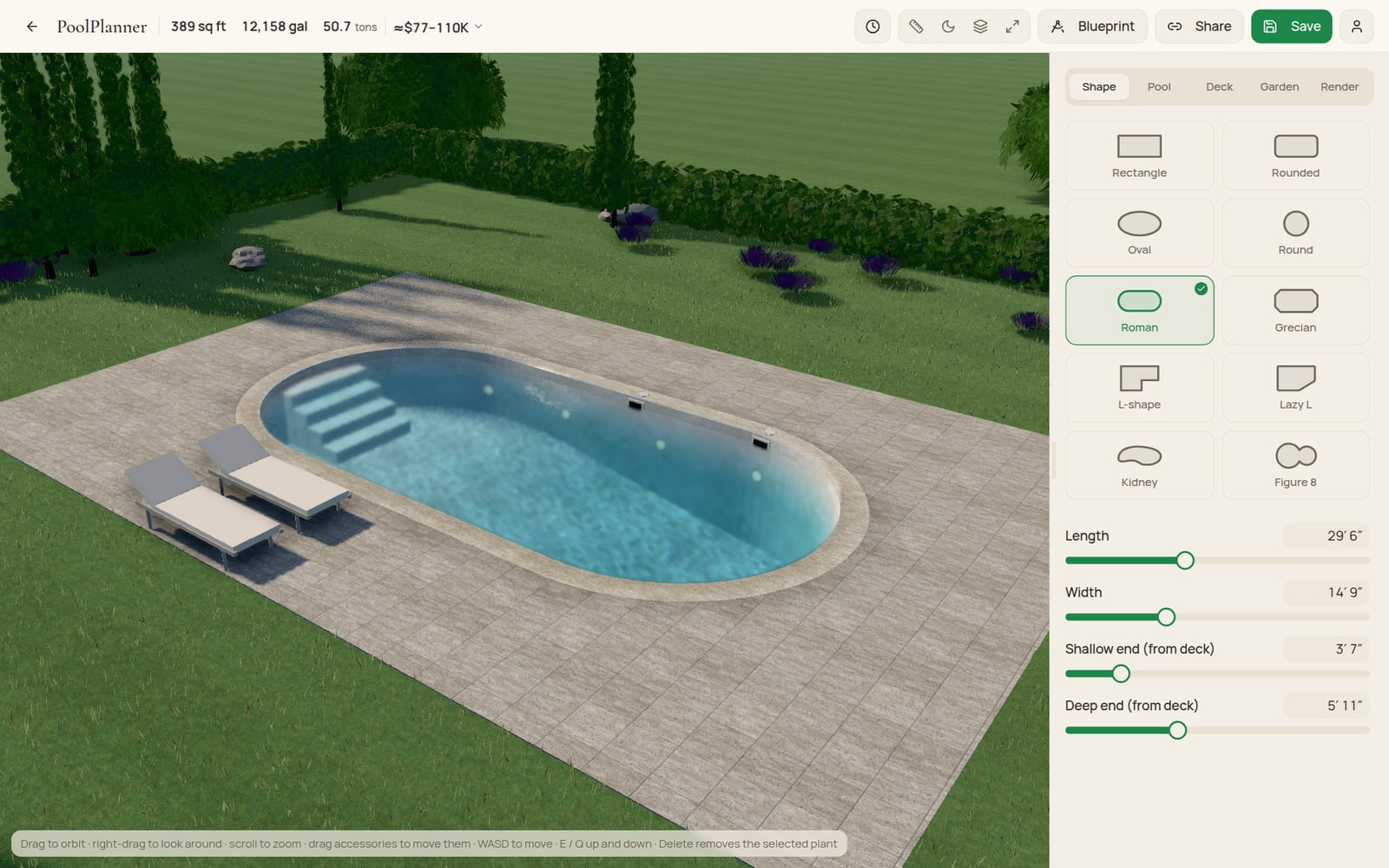
A real pool, drawn with the designer's own 3D engine. Change its shape, finish, deck and light below, then open it in the full designer whenever you're ready to keep going.
Shape
Interior
Deck
Edge
Light
Extras
It opens exactly as you've set it here. Free, no signup.
The 3D freestyle editor
Draw a pool by hand in 3D rather than picking from a fixed template: set its length, width and depths with sliders or typed numbers, drag the plot's edges to fit your yard, switch between metres and feet, and shape the floor from a shallow end to a deep one. Every design is a link, so sharing it never needs an account.
- Draw-in-3D handles, not a form to fill in
- Metric or imperial, switched anywhere
- A custom depth profile, shallow end to deep
- A link that carries the whole design
- The construction blueprint (Pro)
Pool options
10 shapes, from a lap rectangle to a kidney and a figure of eight, each built from real geometry rather than a stretched photo. Set the length, width and two independent depths, choose how the edge meets the deck, and add the steps, ledge or bench the pool is built around.
- 10 shapes: Rectangular, Rounded rectangle, Oval, Round, Roman, Grecian, L-shape, Lazy L, Kidney, and Figure 8
- Real sizes, and two depths for a sloped floor
- Three edge systems: skimmer, deck-level overflow, raised wall
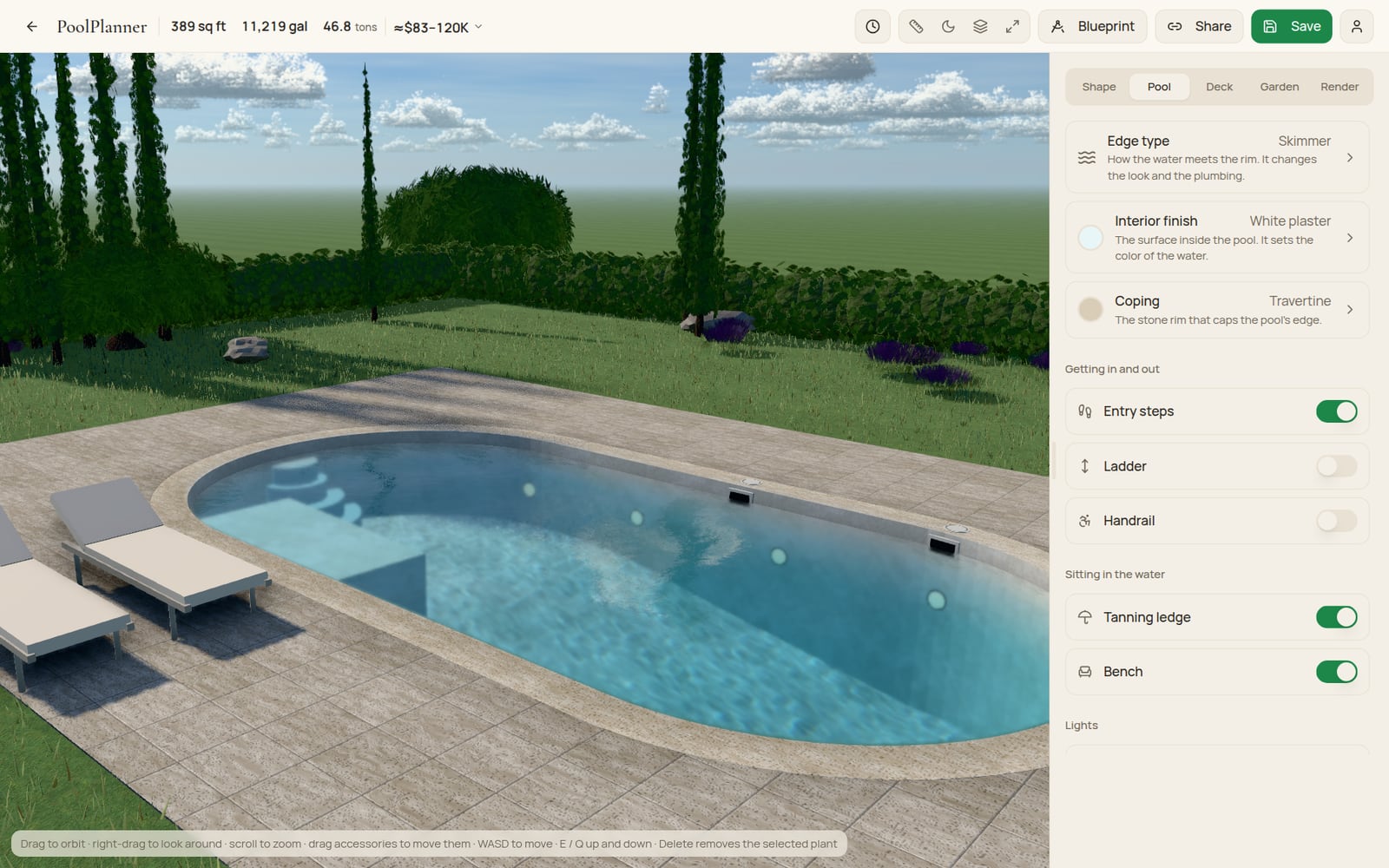
- Straight or Roman steps, a bench, a tanning ledge
Surfaces and textures
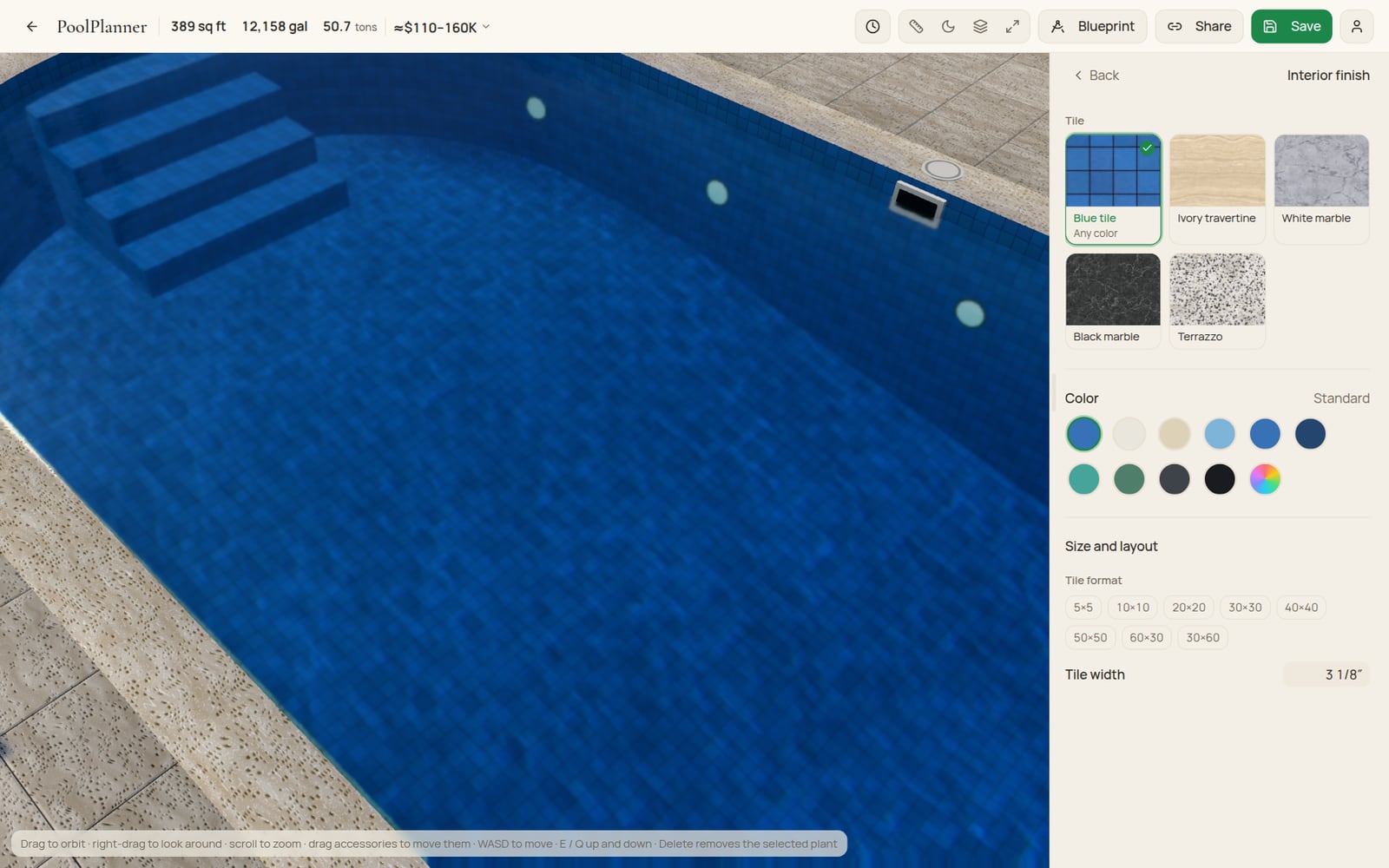
6 interior finishes from white plaster to dark plaster and pebble, each open to a custom colour. Tiles and pavers both take a real size, a laying pattern and a grout tone, and the coping and deck run through materials of their own — or one material continuously, from the water's edge outward.
- 6 interior finishes, plus a custom colour
- Tile size, laying pattern and grout, set by hand
- 4 coping and 4 deck materials
- One-material "unified surface", pool to paving
Extras
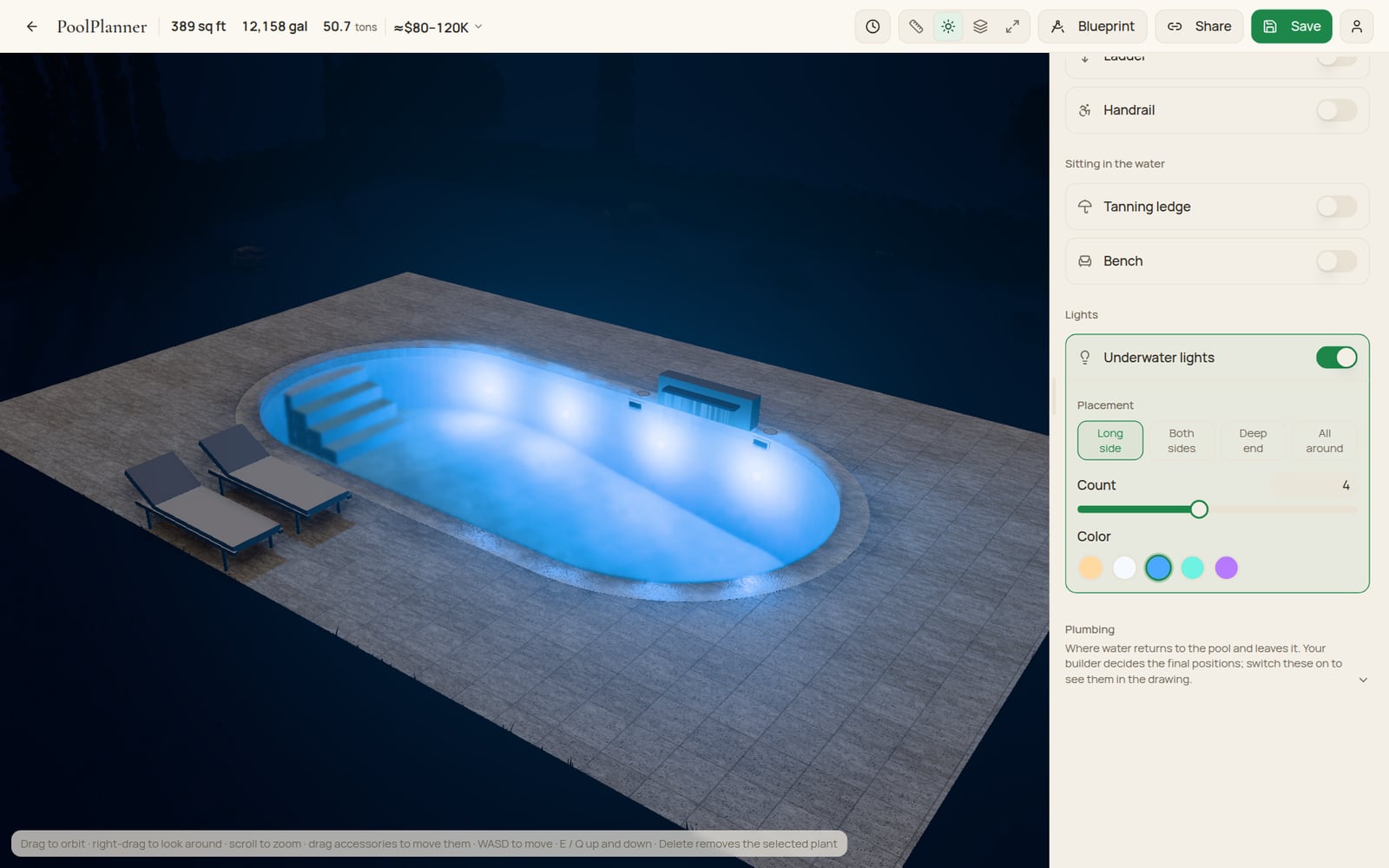
Lights, a waterfall, deck jets and a handrail; a ladder in eight styles; a cover that closes over the water. Furniture stands on the deck too — chairs and a parasol free, sun loungers with Pro.
- Underwater lights, five colours and four placements
- A waterfall, deck jets, return inlets, a handrail
- Eight ladder styles, and a closing cover
- Chairs and a parasol — sun loungers with Pro
Garden
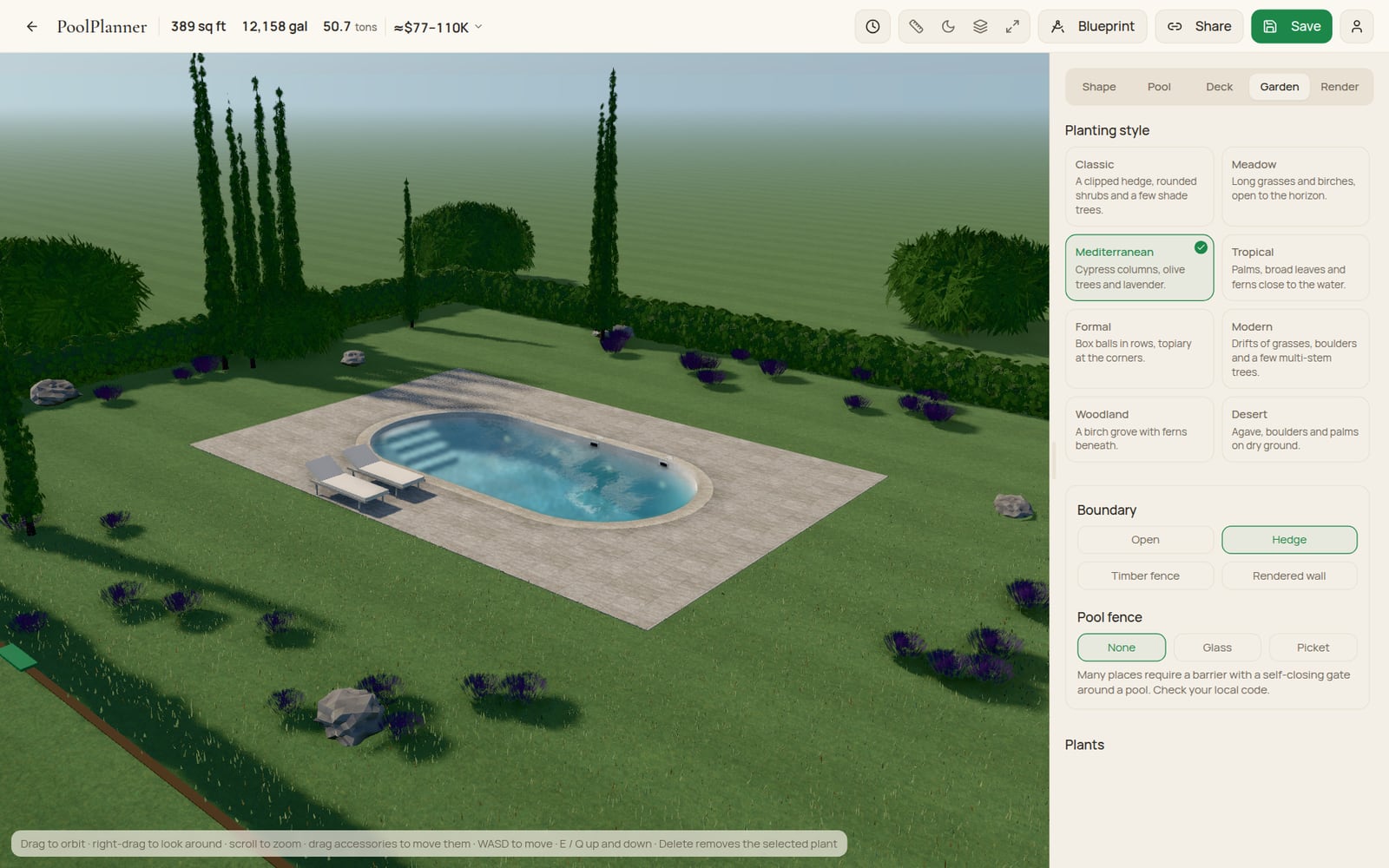
The planting around the pool is part of the design, not a backdrop — 4 of 14 species and 2 of 8 planting styles are free, laid out by a generator that regrows from a seed rather than storing every stem. A hedge is free; a timber fence, a wall or the safety fence around the deck need Pro.
- 14 species across 8 planting styles
- Density from sparse to lush, shuffled or hand-placed
- An open plot or a hedge, free — timber and a wall with Pro
- A pool safety fence (Pro)
Realistic renders
Pick one of six lights and an image model re-photographs your own 3D view in it — same pool, same materials, same planting, same camera. Only the light, the sky, the weather and the hour change.
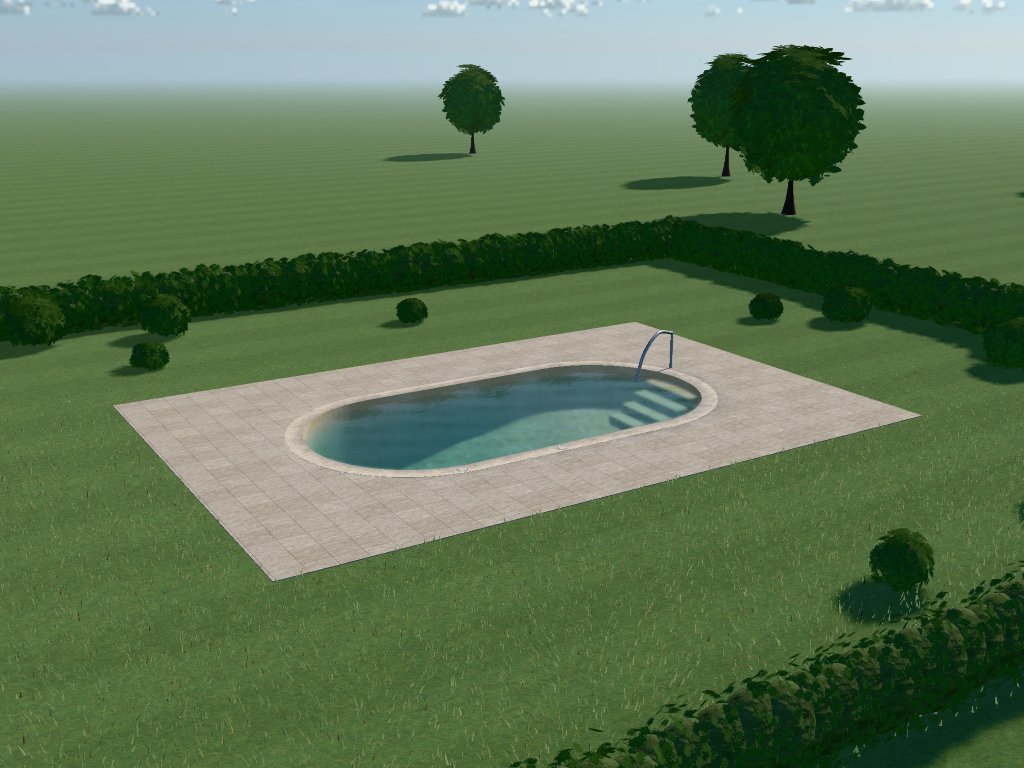
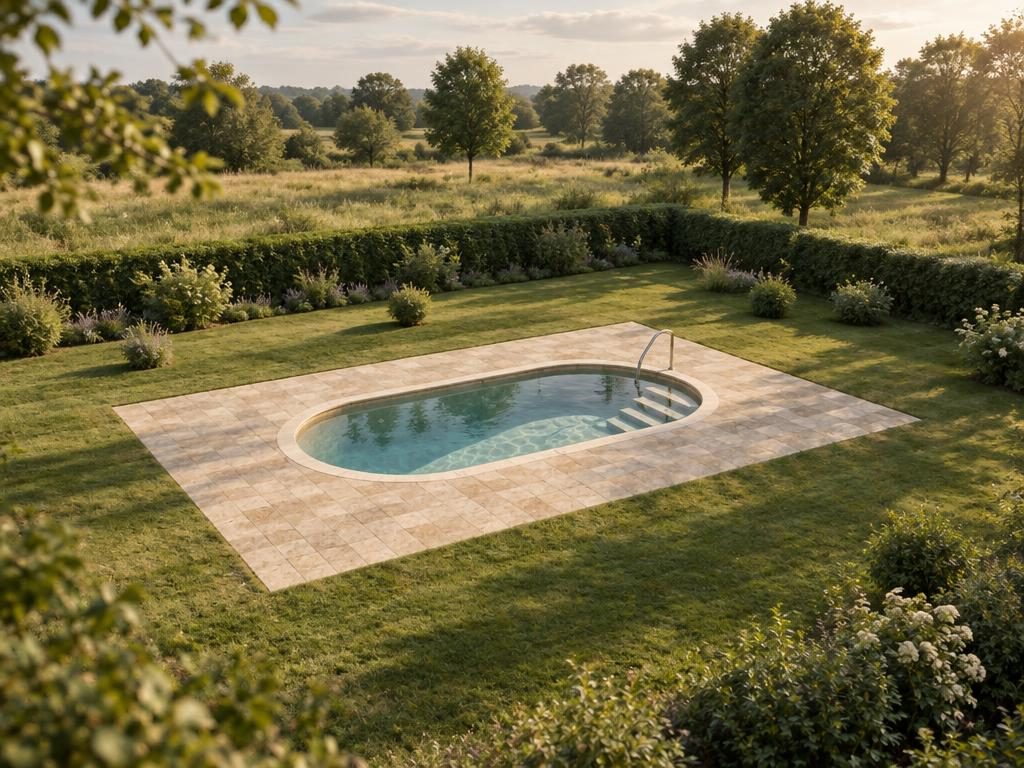
The 3D view, as the editor drew it / The render — Soft daylight
Six lights
- Soft daylightThe calm editorial afternoon
- Golden hourLow warm sun, long shadows
- Blue hourAfter sunset, the pool lit from within
- Overcast calmSoft, shadowless light
- High summerHigh clear sun, crisp shadows
- Morning mistLow mist, pale early sun
Every render is labelled exactly what it is: an image model's picture, made from the 3D view you designed. The pool is yours; the garden around it, the sky and the reflections are the model's own. Your renders are kept on your account, where only you can see them.
Up to 25 renders, Pro only.
Render your own pool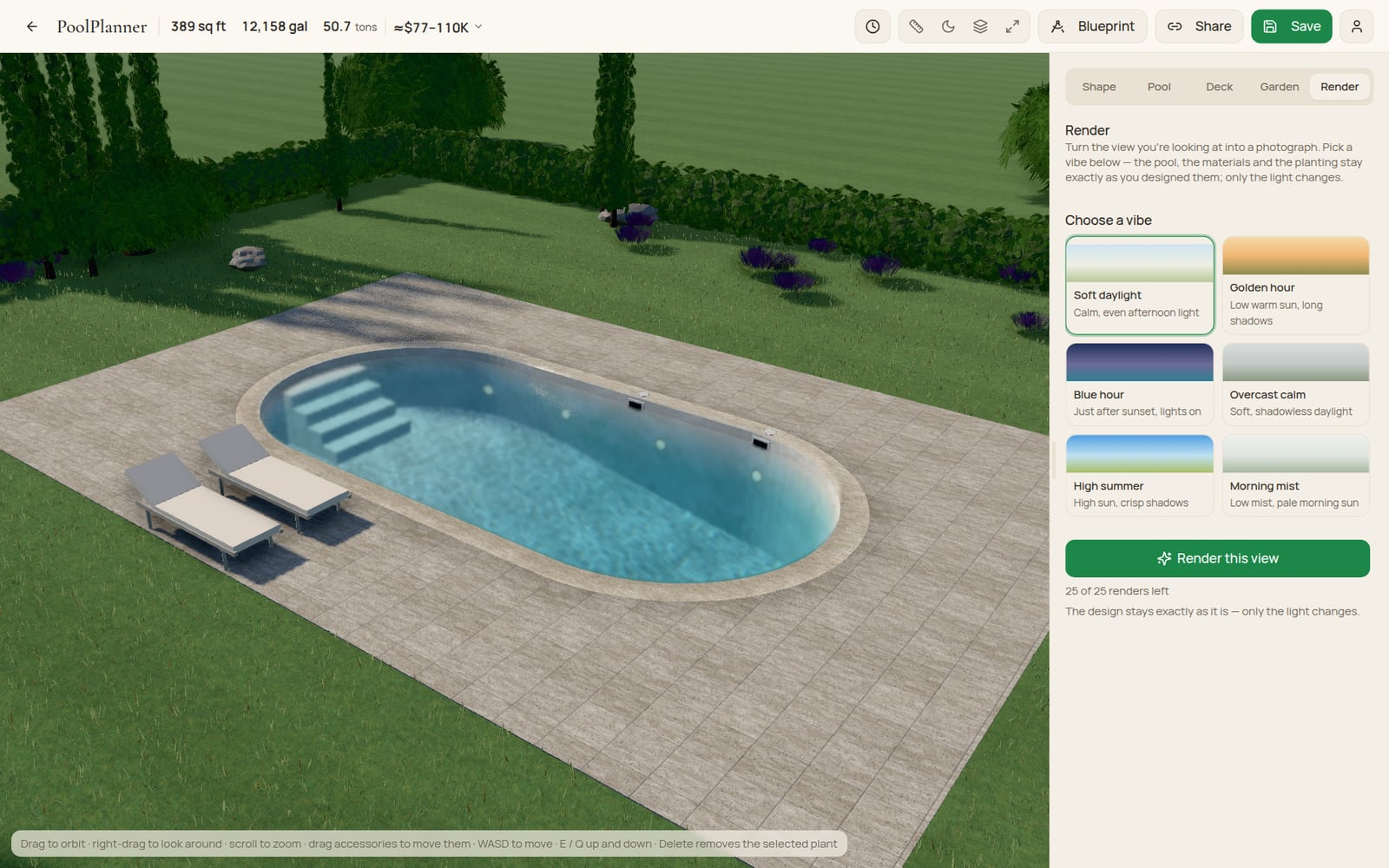
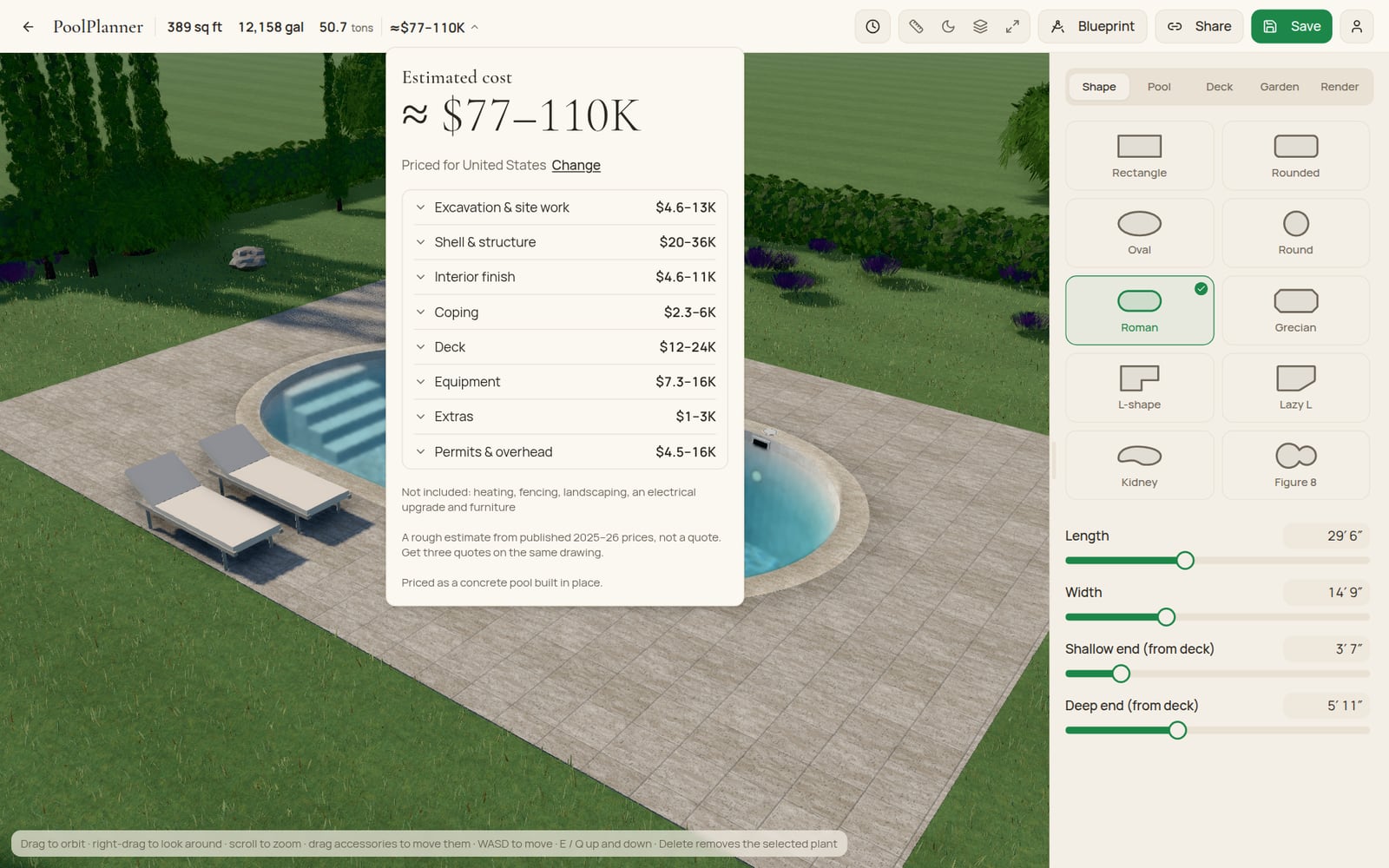
Cost estimate
As you draw, a total updates live in the top bar — a ranged construction estimate, priced for wherever you are: US states and metros, and twelve European countries in their own currency. Pro opens it into a breakdown by building stage, with quantities and what isn't included.
- The total range, free for everyone, updating as you design
- Priced for you: US states and metros, twelve European countries
- A breakdown by stage — excavation, shell, finish, coping, deck, equipment, extras, permits (Pro)
- Built from published 2025–26 prices — a rough estimate, never a quote

See your own pool in every light.
Open the designer, draw the pool, and try the render tab on the real thing.
Start designing — it's freeFree · no signup · runs in your browser